Write about the Zapier integrations

Enhance your product value and user interface by adding automation
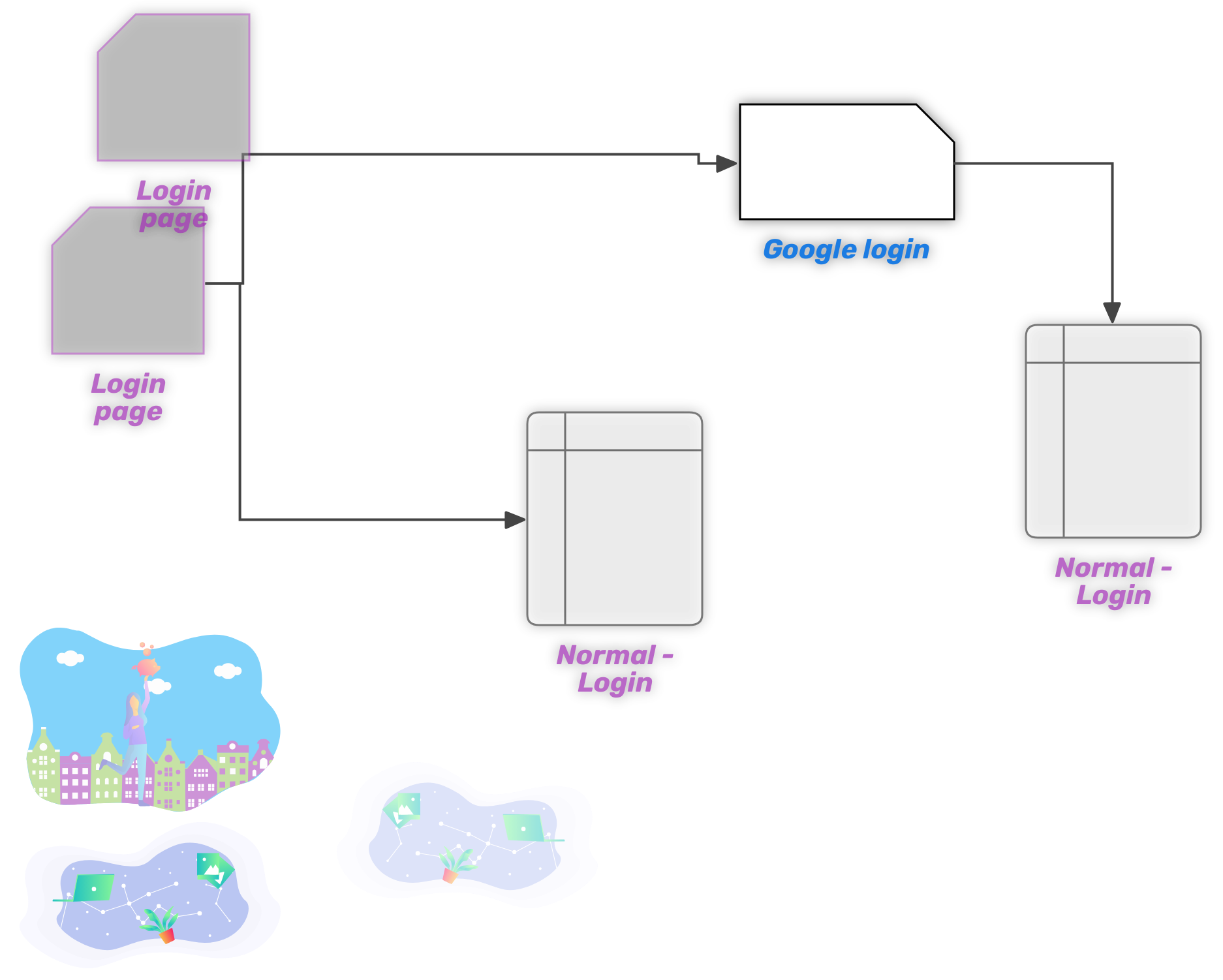
In today's interconnected digital world, automation is key to efficiency and productivity. One of the leading platforms enabling businesses and individuals to automate tasks seamlessly is Zapier. This powerful tool allows you to connect different apps and services, creating workflows that save time and reduce manual effort. In this article, we will explore what Zapier is, how it works, and some of the most popular integrations that can transform your daily operations.
What is Zapier?
Zapier is an online automation tool that connects your favorite apps, such as Gmail, Slack, Mailchimp, and over 3,000 more. You can connect two or more apps to automate repetitive tasks without coding or relying on developers to build the integration. These automated workflows are known as "Zaps."
How Does Zapier Work?
Zapier works by connecting your apps and services through triggers and actions:
- Trigger: An event in one app that starts the workflow. For example, receiving a new email in Gmail.
- Action: The event that Zapier performs in another app as a result of the trigger. For example, creating a new task in Trello.
Here's a simple example:
- Trigger: A new lead is captured via a Google Form.
- Action: The lead's details are automatically added to a Google Sheet and an email notification is sent to your sales team.
Popular Zapier Integrations
1. Gmail and Slack
- Use Case: Automatically send a Slack message when you receive an important email in Gmail.
- Benefit: Keeps your team informed in real-time without having to manually check emails.
2. Google Sheets and Trello
- Use Case: Add new rows in Google Sheets as cards in Trello.
- Benefit: Streamlines project management by ensuring all data entries are tracked and actionable.
3. Mailchimp and Facebook Lead Ads
- Use Case: Automatically add new Facebook lead ads to a Mailchimp list.
- Benefit: Enhances your marketing efforts by ensuring that all leads are followed up promptly.
4. Salesforce and Slack
- Use Case: Post Salesforce opportunities to a Slack channel.
- Benefit: Keeps your sales team up-to-date with new opportunities without having to manually update the status.
5. HubSpot and Google Calendar
- Use Case: Create Google Calendar events from new HubSpot form submissions.
- Benefit: Ensures that meetings and follow-ups are scheduled automatically, reducing the risk of missed appointments.
Benefits of Using Zapier
1. Increased Efficiency
- Automate repetitive tasks, allowing you to focus on more strategic activities.
2. Improved Accuracy
- Reduce the risk of human error by automating data transfer between apps.
3. Enhanced Collaboration
- Keep everyone on your team in the loop with real-time updates and notifications.
4. Cost Savings
- Save money by reducing the need for manual labor and minimizing errors.
Getting Started with Zapier
- Sign Up: Create a free Zapier account.
- Choose Your Apps: Select the apps you want to connect.
- Create a Zap: Set up your trigger and action.
- Test and Activate: Test your Zap to ensure it works correctly, then activate it.
Conclusion
Zapier is a powerful tool that can revolutionize the way you work by automating tedious tasks and improving the efficiency of your workflows. With thousands of integrations available, the possibilities are nearly endless. Whether you're looking to streamline communication, enhance project management, or improve your marketing efforts, Zapier has an integration that can help.
By leveraging the power of Zapier, you can ensure that your team stays focused on what truly matters, driving your business forward. Start exploring Zapier integrations today and unlock a new level of productivity.